Digital Reading in Spanish Class has become more important than ever this year. This year is crazy. Crazy beyond crazy, beyond crazy, but you know what is even crazier? The fact that teachers are making it work. Whether it was last spring when many of us went home on a Friday and never saw our students in person again, to the 20-21 school year that is just a whole new ball game, it’s a crazy year and teachers are working crazy hard! One of the questions I see coming up often in Facebook groups and online is how to do free voluntary reading (FVR) during distance learning. I thought it may be helpful to round up some ways to do digital reading in Spanish class!
Building your Digital FVR Library
There are quite a few great options out there to share with your students! I shared a few of them in my 5 Ways to Build Your FVR Library for FREE post. Here are the ones that I think fit best from that post, as well as a few more options I found while researching for this post!
- Revista Literal
- CI Non Fiction Library
- International Children’s Digital Library
- Storybooks Minnesota
- The Fable Cottage
- FVR Library Collab – I love this set of editable Slides from Em Mcintosh! It’s a great way to share all of these options with your students in a way that makes them connect clicking on links with perusing the shelves.
Digital Gallery Walks as Digital Books
I really love Gallery Walks in my Spanish classroom! One of my favorite ways to use them is by putting all of the information in a little mini book for my students to read. Usually I would print them out, but this year it’s nice to have a digital option.
I’ve updated all of my gallery walks to include both printable and digital options! Click here to check them out!
Digital Stories on Boom Cards
You know I LOVE Boom Cards for Spanish class. There’s just so much you can do with them! This fall I started playing around with making digital stories on Boom Cards and it’s just turned out so fun.
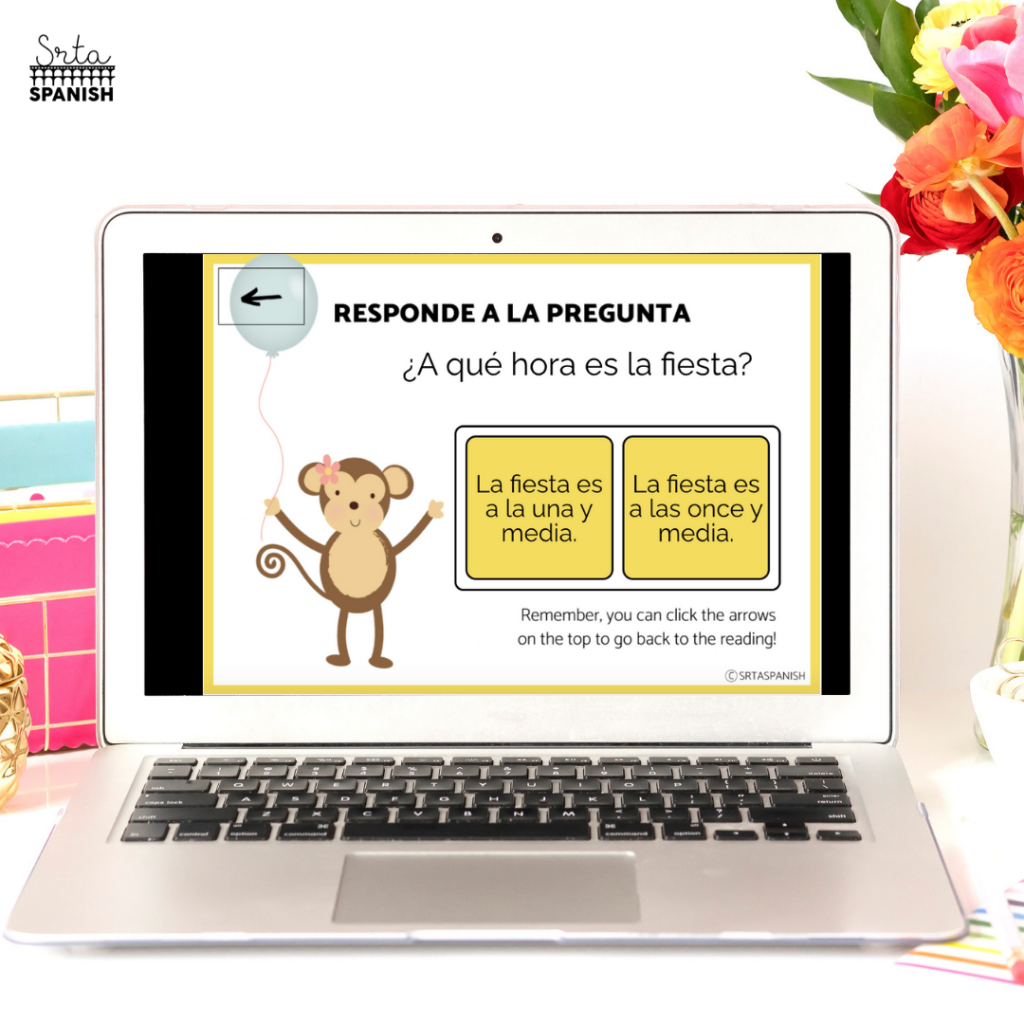
I make them with and without comprehension questions so the students can just read and listen along (YEP, getting that audio in!) or you can check for understanding along the way! Click here to check out one of the stories.
Digital Reading in Spanish Class Just Got a Student-Powered Upgrade
One thing I’ve found that really boosts buy-in during Digital Reading in Spanish Class is giving students some control. If they can help build the reading space, they feel more connected to it.
Try this out. Start a shared Google Slides deck or Doc and let students add stories they’ve enjoyed. They can pop in a title, a quick summary, and maybe even their personal rating using emojis or just a word or two. Not only does this give them ownership, but it also sparks curiosity when they see what their classmates are loving.
You’ll start hearing things like “Oh I saw that one on the list” or “Who added this? It looks cool.” Suddenly your FVR time feels more like a little reading club. The best part? It works whether you’re virtual, hybrid, or in person.
Simple Book Spotlights That Spark Curiosity
You don’t need anything fancy to keep the reading energy going. A quick weekly book spotlight can be a fun way to keep students sharing and discovering new titles.
Feature one student each week who chooses a favorite story from your digital library. They can share a sentence or two about it in a discussion post, a quick Google Slide, or even a sticky note on Jamboard. Keep the format flexible so it works with whatever tech setup you’re using.
And yes, teacher picks are totally allowed too. I like to highlight a different digital story from our collection every so often, especially the ones with audio or fun illustrations. It’s a chance to model reading excitement and show students that there’s always something new to explore.
Love this idea? Click here to grab the bundle of digital stories on Boom Learning! (This bundle is not available on TeachersPayTeachers and includes both the versions with and without questions for each story!)
What other resources are you loving for digital reading in Spanish class in your virtual classroom?
I’d love to hear about what’s working for you! Drop a comment below – or even better, include a link to something you’re loving so everyone else can see it and use it too!


-
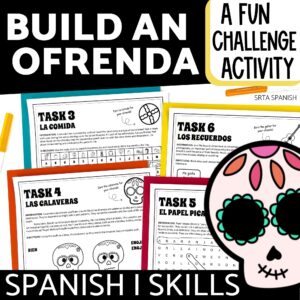
El Día de los Muertos Activities Day of the Dead Escape Room Spanish Lesson Plan
$4.25 Add to cart -
Sale!
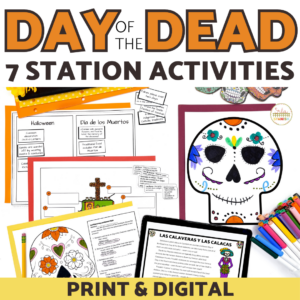
Día de los Muertos Activities for Exploring Day of the Dead
Original price was: $12.59.$8.12Current price is: $8.12. Add to cart -
Día de los Muertos Day of the Dead Digital Activities in English
$3.75 Add to cart -
La Familia Spanish Family Tree Vocabulary Activity Reading Comprehension Passage
$5.25 Add to cart