Boom Cards are a great tool for Spanish class! There are so many things you can do with them that make them great language practice. These self-grading, interactive activities are readily available for Spanish teachers on both Boom™ Learning and TpT, making them easy to access no matter where you prefer to shop. If you shop on TPT, here is how to redeem Boom Cards purchased on TPT to add them to your library.
How to Redeem Boom Cards Purchased on TpT
When you purchase Boom Cards on TpT or on srtaspanish.com, you won’t see the deck appear in your Boom Library right away. Instead, you’ll be given a special link to redeem your deck and add it to your Boom library.
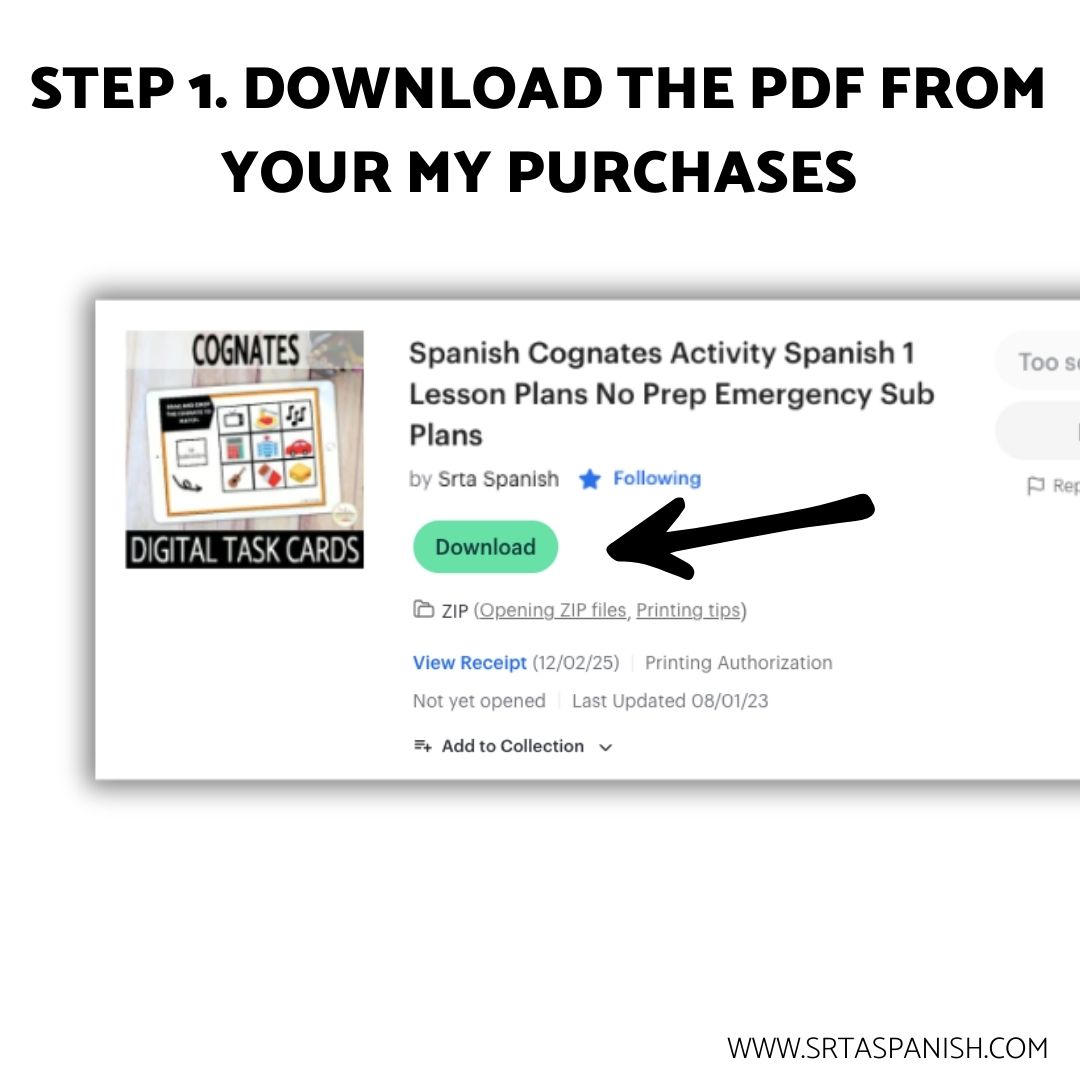
Step 1: Download the PDF
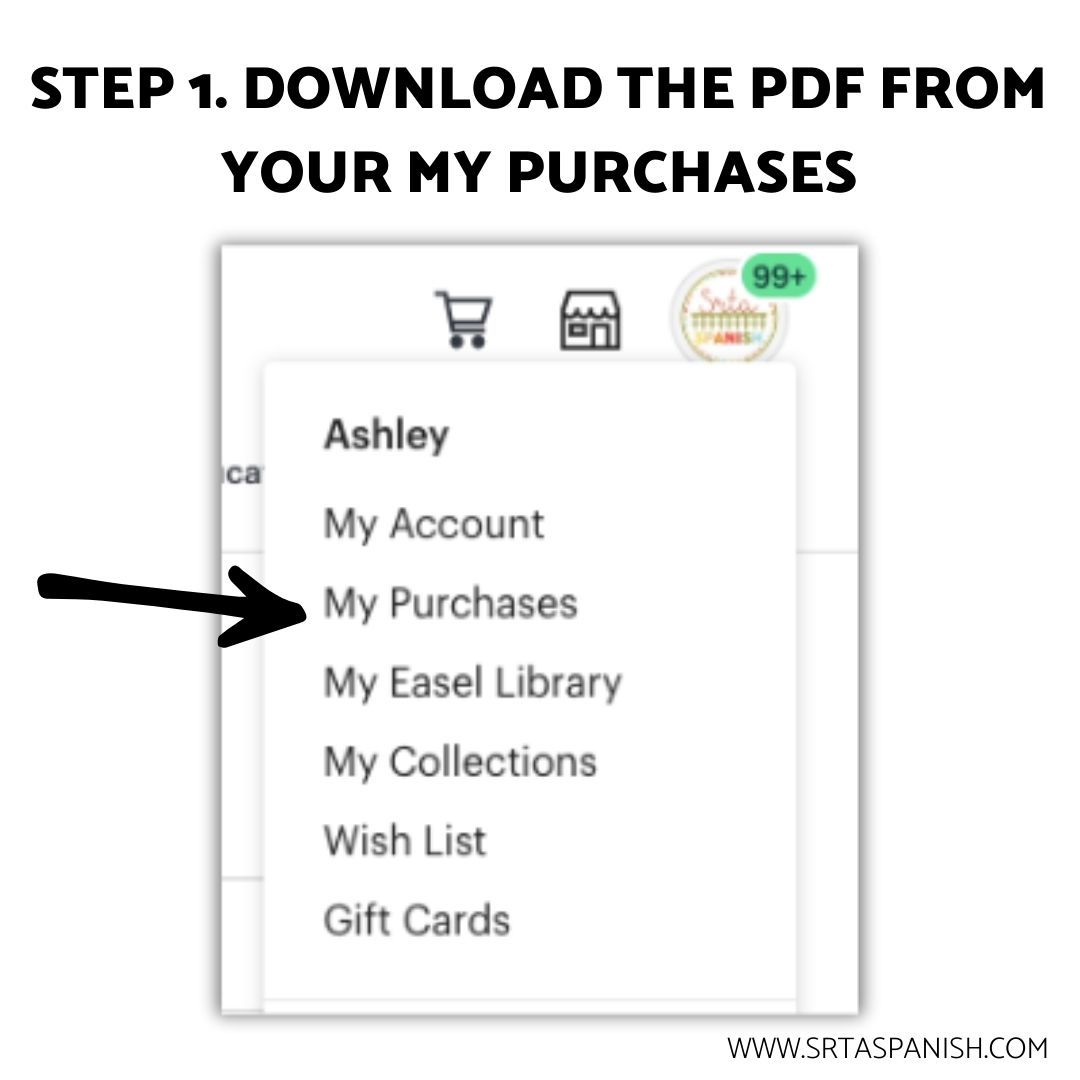
After you check out on TpT or srtaspanish.com, you’ll see a “Download” button for a PDF file (or a zipped file that contains a PDF). The Boom Cards are not within the file, but a redemption link can be clicked to trigger the process of getting the deck in your library.
Step 2: Click the redemption link
Once you download and open the PDF, find the page with the redemption link. Click it to redeem the file and add it to your account on Boom Learning.
Step 3: Sign in or Create an Account
When the link automatically takes you to the Boom website, you’ll be prompted to sign in to your account (if you aren’t already) or create an account. There are options for both free and paid subscriptions, but all of them allow you to access the deck you purchased on TpT or srtaspanish.com
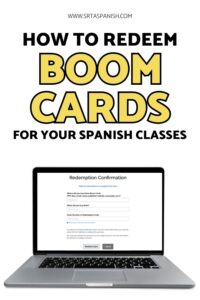
Step 4: Complete the Redemption Form
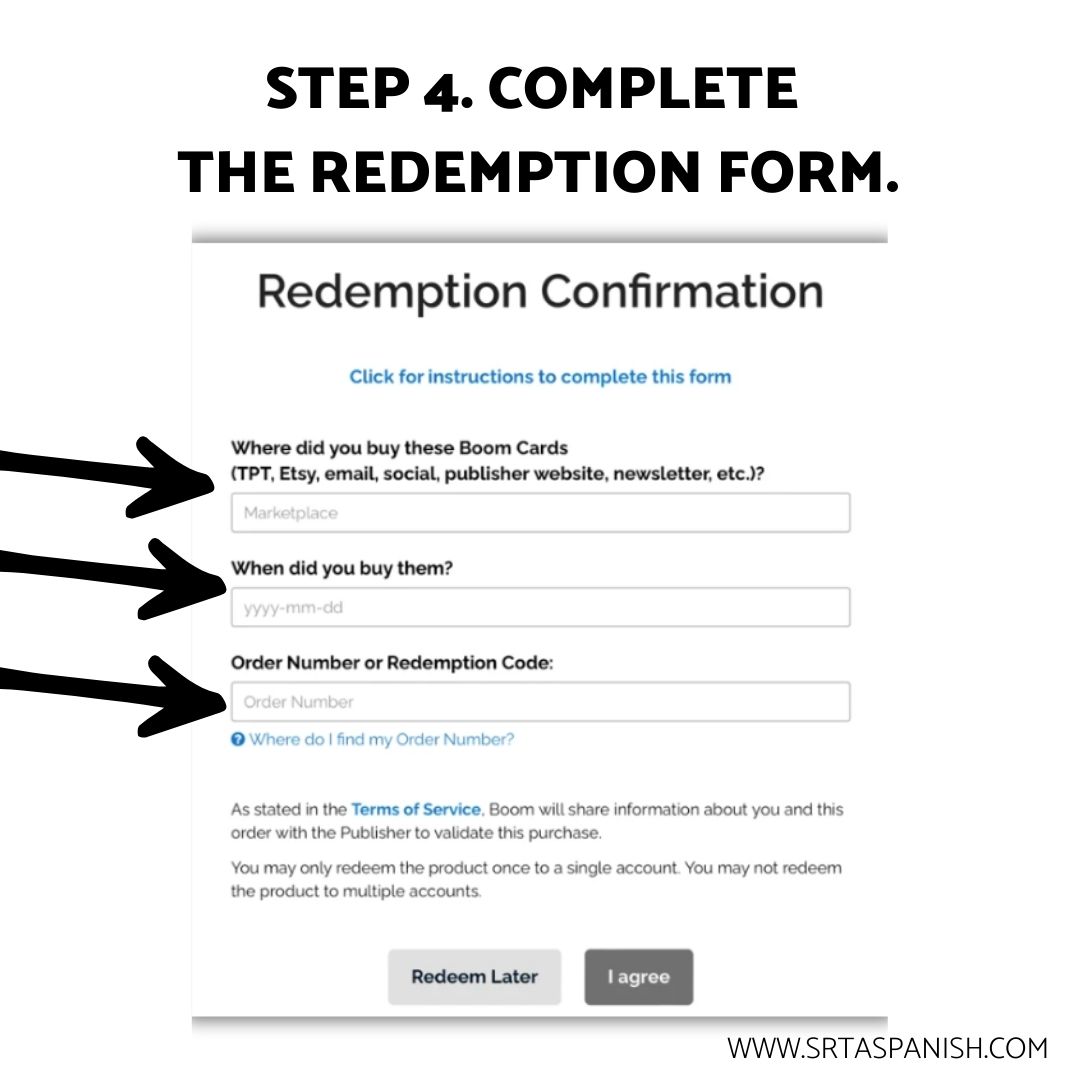
Complete the form by filling out the following pieces of information:
- Where you purchased the Boom Card deck (TPT or srtaspanish.com)
- When you purchased the deck.
- Your order number (copy/paste from your TpT receipt or your invoice from srtaspanish.com)
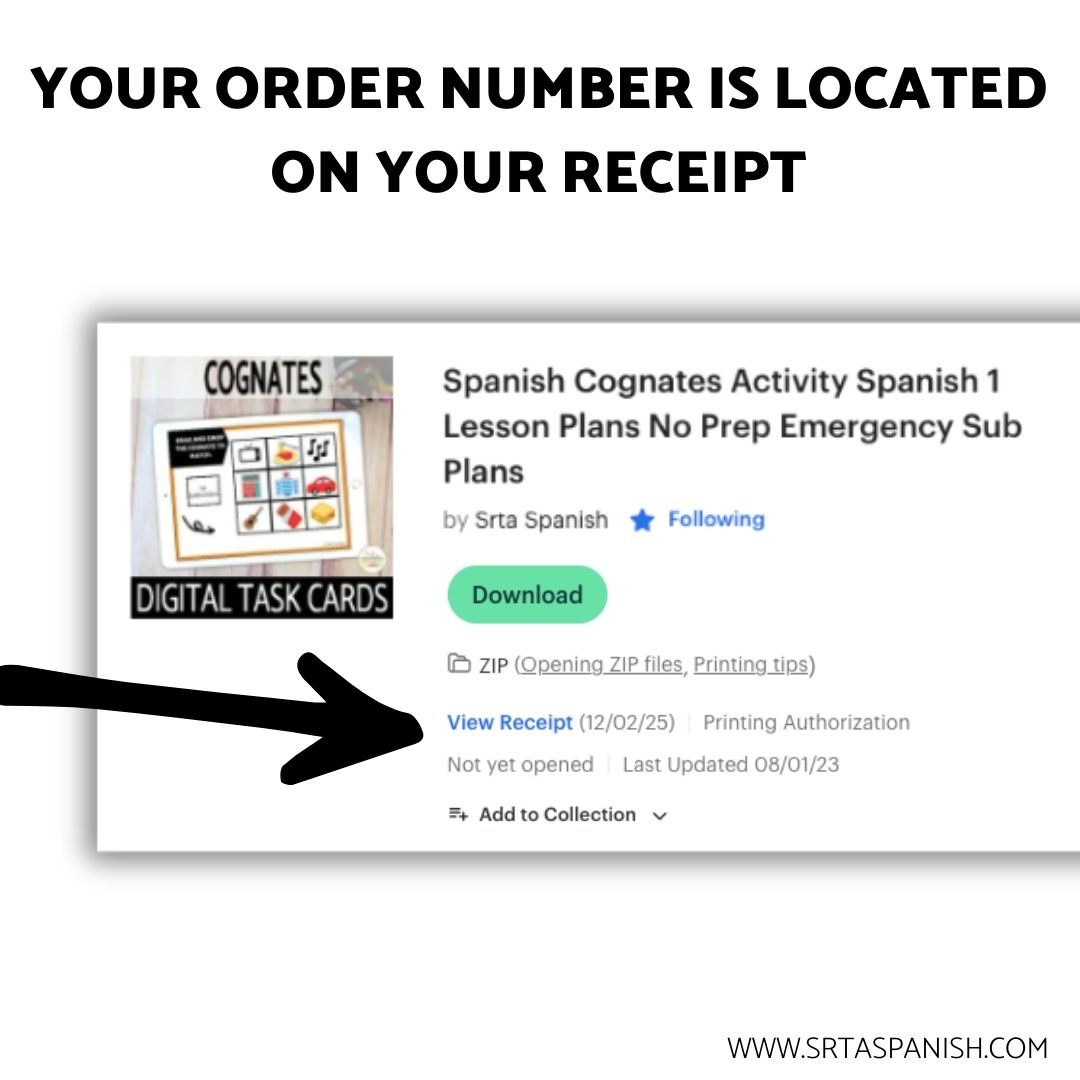
That’s it! Your new deck is waiting in your Boom library to be used. If you don’t see it at first, use the search bar to type in the title or check the “Purchased” folder on the left side.
Reminders about Redeeming Boom Card Decks
- When shopping TpT specifically for Boom Cards, filter your search results to include “Boom Cards” as the format like I’ve done here.
- If you purchased a bundle of Boom Card decks on TpT, look for the “Bonus” file to redeem all included decks with just one click.
- Each deck can only be redeemed to a single Boom account. If you want to redeem for multiple accounts, multiple licenses can be purchased on TpT.
- For more information on redeeming Boom Cards (or any Boom topic), please visit Boom’s Help Center.
More Boom Cards for Spanish Class
Save this post for later!
Learn more about Boom Cards
- Boom Card FAQs
- How to Print Boom Cards
- Do I have to pay for Boom Cards accounts?
- How to create Boom Cards


-
Sale!

Spanish Cognates Lesson Plans 1st Day of Spanish Class & First Week of School
Original price was: $22.11.$14.49Current price is: $14.49. Add to cart -
Sale!
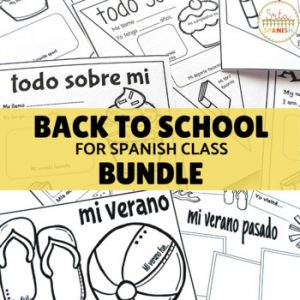
Back to School BUNDLE
Original price was: $19.30.$15.65Current price is: $15.65. Add to cart -
Sale!
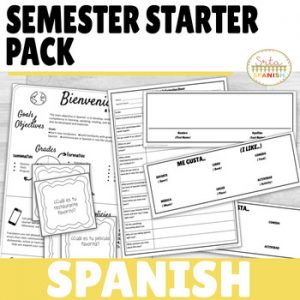
Back to School Spanish Starter Pack
Original price was: $8.45.$5.59Current price is: $5.59. Add to cart -
Sale!
RAINBOW Classroom Decor BUNDLE
Original price was: $18.41.$12.45Current price is: $12.45. Add to cart