Are you teaching in a 1:1 environment? Wondering whether Boom Cards or Google Slides will fit your needs better? Check out this handy guide to help you know what they can do! Let’s compare Google Slides vs Boom Cards to help you get an idea of which is better to use in a given situation!
Psssst. Are you wondering what the heck Boom Cards are? Check out my post here for more information!

Curious about Boom Cards? Check out my other posts on them here!
- What are Boom Cards?
- What can you do with Boom Cards?
- 10 Reasons to try Boom Cards in your Language Classroom
- Using Boom Cards with Google Classroom
- Customizing Boom Cards
Google Slides vs Boom Cards: Comparison

Here’s the quick match-up. I looked at four categories in this comparison: cost, availability, grading, and student needs. The image above is the quick key to how they all matched up, but let’s look at our comparison of the two tools a little more closely!
Cost of Boom Cards vs Google Slides
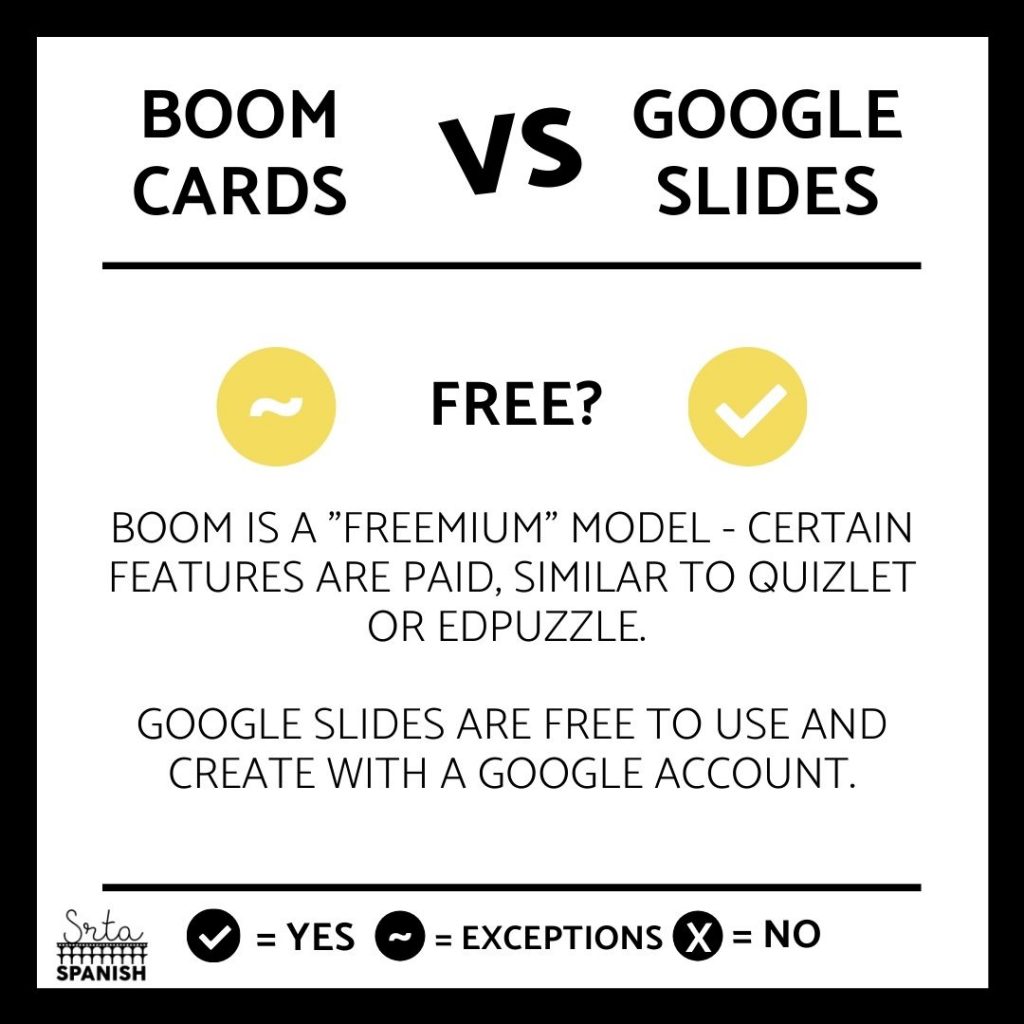
First, let’s look at the cost. Boom Cards use what we call a “freemium” model. This just means that some features are paid, while others are free. This is the same model many sites use. Think Peardeck and Edpuzzle, for example!
I grabbed this image from the Boom homepage to give you an idea of what their free account offers vs the paid accounts. (The buttons say renew/downgrade because I currently have an ultimate account and I’m very happy with it!).

Google Slides are just plain free! You just have to have a Google Account (free) to create and use them. There are no costs associated with them.
If you’re looking for absolutely cheap, Google Slides is the winner here, although personally I think Boom’s pricing structure is very reasonable considering everything you can do with them. Plus, you can definitely use them for a TON with just the free account!
Availability of Google Slides vs Boom Cards Activities

Let’s talk availability and compare Google Slides vs Boom Cards. Can you find pre-made Boom Cards and pre-made Google Slides?
Well, Boom Learning makes it super easy to find cards in their marketplace. You can sort from price low to high to find free activities, or you can purchase decks that suit your needs.
Google Slides activities exist, but it’s more of a stumble upon it in your favorite Facebook group or find it pre-made on TeachersPayTeachers like this one!
Personally, I think Boom wins the “find pre-made activities” category, just because the site is dedicated to them.
Comparing Grading on Google Slides with Boom Cards

It’s time to compare grading on Google Slides vs Boom Cards!
Okay, in my book, I would always rather grade Boom Cards than Google Slides. Boom Cards grades automatically and gives you incredibly detailed reports to see what your students did. Google Slides are not auto-grading in any way which means if you do an assignment on Slides you can pretty easily wind up slogging through 150-200 presentations depending on your student load this year.
The upside to Google Slides is that it makes it a lot easier to use open ended questions, because the computer won’t grade them anyways. I’ve found that if you make the Slides as clear to see as possible, like grading a laberinto or putting a digital puzzle into place, grading them isn’t so bad because you can glance at it and tell right away how your students did.
Boom Cards and Google Slides: Do they need Student Accounts?

This is the big one: do students need accounts for Boom Cards? No! You don’t have to use student accounts for Boom, however if your students are logged in you will get more data, very similar to how Quizlet works with their reports. Click here to check out how to share a deck on Boom without having your students log in!
Google Slides need students to be logged into their Google accounts to edit the assignment, however the upside to this is that so many schools are Google Apps for Education districts that students often already have a Google Slides account.
Think About the Learning Goal First
Here’s the thing. When deciding between Google Slides vs Boom Cards, it really helps to start with what you want students to actually do. If your goal is to review vocabulary or give quick feedback on comprehension, Boom Cards might be your go-to. They are built for fast-paced interaction and the automatic grading is a serious time saver.
But if you are assigning something more reflective or creative, like a culture project or opinion writing, Google Slides are usually the better fit. Students can design, personalize, and express their voice in a way Boom just is not built for. Both tools are great. They just shine in different moments.
It is not about picking one forever. It is about using the right one at the right time.
Add More Choice Without Adding More Work
Another idea to consider is letting your students pick. For some assignments, offer both options. You can give one version as a Boom Card deck for a quick check and another version in Google Slides where students explain or reflect.
You will be surprised how quickly they find their favorite tool. Some students will always go for the drag and drop activities, while others love designing their own slides. By giving them that choice, you are building engagement and making it easier to meet different learning styles without doubling your prep.
So when you are thinking through Google Slides vs Boom Cards, do not feel like you need to commit to one or the other. Use them both where they work best. That flexibility is what makes digital teaching so powerful.
You know your students. You know your content. These tools just help you deliver it all in a way that works for you.
Which is better, Boom Cards or Google Slides?

I love ’em both. Sorry! I’m not going to tell you to use one over the other ALWAYS. There’s definitely a time and a place for each. Personally, if it’s something that I want them to listen, match, choose a multiple choice answer, use digital manipulatives, or anything else Boom Cards can do, I’ll often use Boom, because I love that it’s autograding. Anything to save time, right?
If it involves watching a YouTube video and interacting with it, I’ll use Slides or Edpuzzle, depending on the activity.
And anything that is going to be more personal or individual I like to use Google Slides because it offers them far more flexibility to insert images and change the design to reflect their style like they can do here in this Todo Sobre Me / All About Me Project.
Which do you prefer, Google Slides or Boom Cards?
Have you used both? Comment and let me know, which do you prefer?

Wondering how they match up in another category? Comment below and I’ll help you figure it out!
New to Boom Cards and want to try them out?
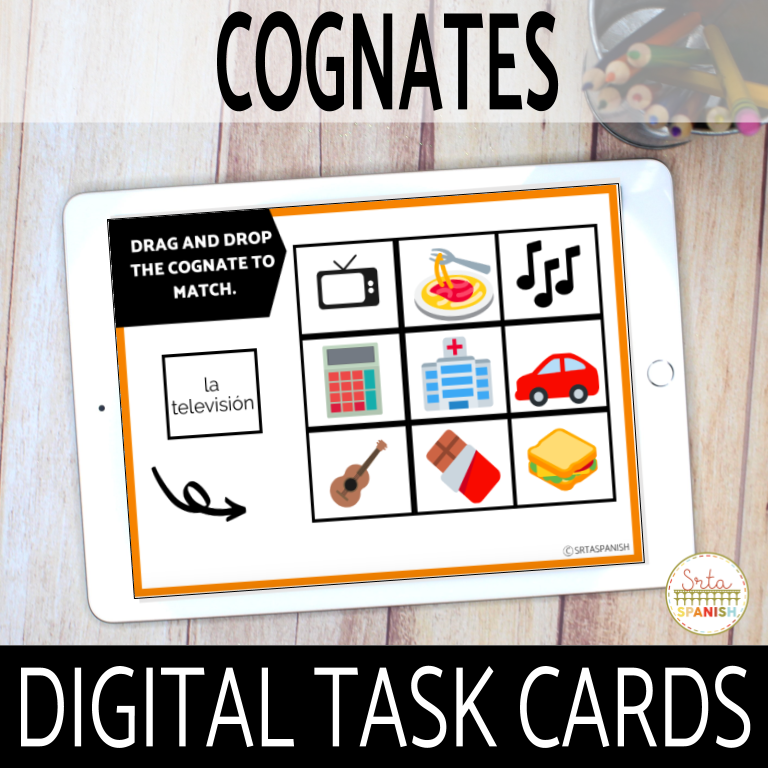
You can also click here to see my digital task cards available in a mega bundle! Remember, a bundle allows you to save 20% off the total price and gives you tons of ready-made options to use with your students.
Like the idea, but you’re not sure? Click here to go to my library of Boom Cards and try out a whole bunch of different sets!


-
Sale!

Spanish Cognates Lesson Plans 1st Day of Spanish Class & First Week of School
Original price was: $22.11.$14.49Current price is: $14.49. Add to cart -
Sale!
Back to School BUNDLE
Original price was: $19.30.$15.65Current price is: $15.65. Add to cart -
Sale!
Back to School Spanish Starter Pack
Original price was: $8.45.$5.59Current price is: $5.59. Add to cart -
Sale!
RAINBOW Classroom Decor BUNDLE
Original price was: $18.41.$12.45Current price is: $12.45. Add to cart